
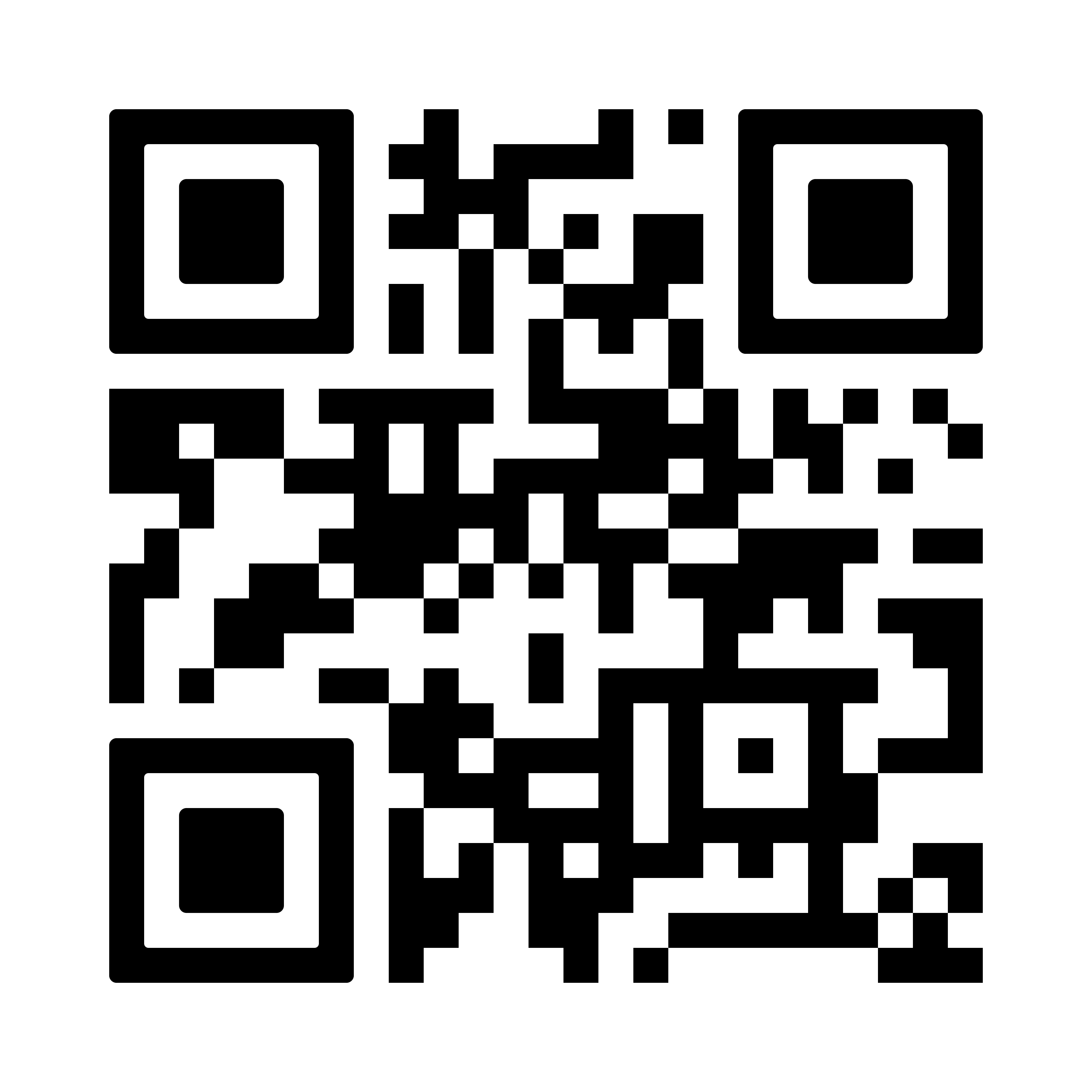
Scan to Download
Choose your platform and get started in seconds.
Why Use the Mobile App?
Manage your relationships, check lead status, and run automation wherever you work.
Real-Time Alerts
Get instant push notifications the moment a new lead is captured from your web forms or ads. Reach out to prospects immediately and never keep a hot lead waiting.
SIM Call & WhatsApp Logging
Automatically log outgoing calls and messages into the customer profile. Keep your entire communication history up-to-date without typing out manual logs after every call.
Offline Functionality
Access your contacts, follow-up history, and sales pipelines even without an active internet connection. Your changes will sync automatically once you're back online.
On-Site Team Collaboration
Perfect for field sales representatives. Assign leads, add comments, upload document attachments, and move deals across stages directly from the meeting location.
How to Get Started
Install the Application
Scan the Google Play QR code above or click the download button to install the Flowzo CRM app directly on your Android mobile device.
Log Into Your Account
Launch the app and sign in with your active Flowzo CRM user credentials. If you are new, you can quickly create an account on our website first.
Configure Settings & Sync
Grant permission to log SIM calls if required by your team workflow. Your dashboard, contacts, and pipelines will sync instantly with the web application.
Ready to Transform Your Sales?
Start your free trial today and experience the power of Flowzo CRM on all your devices.