
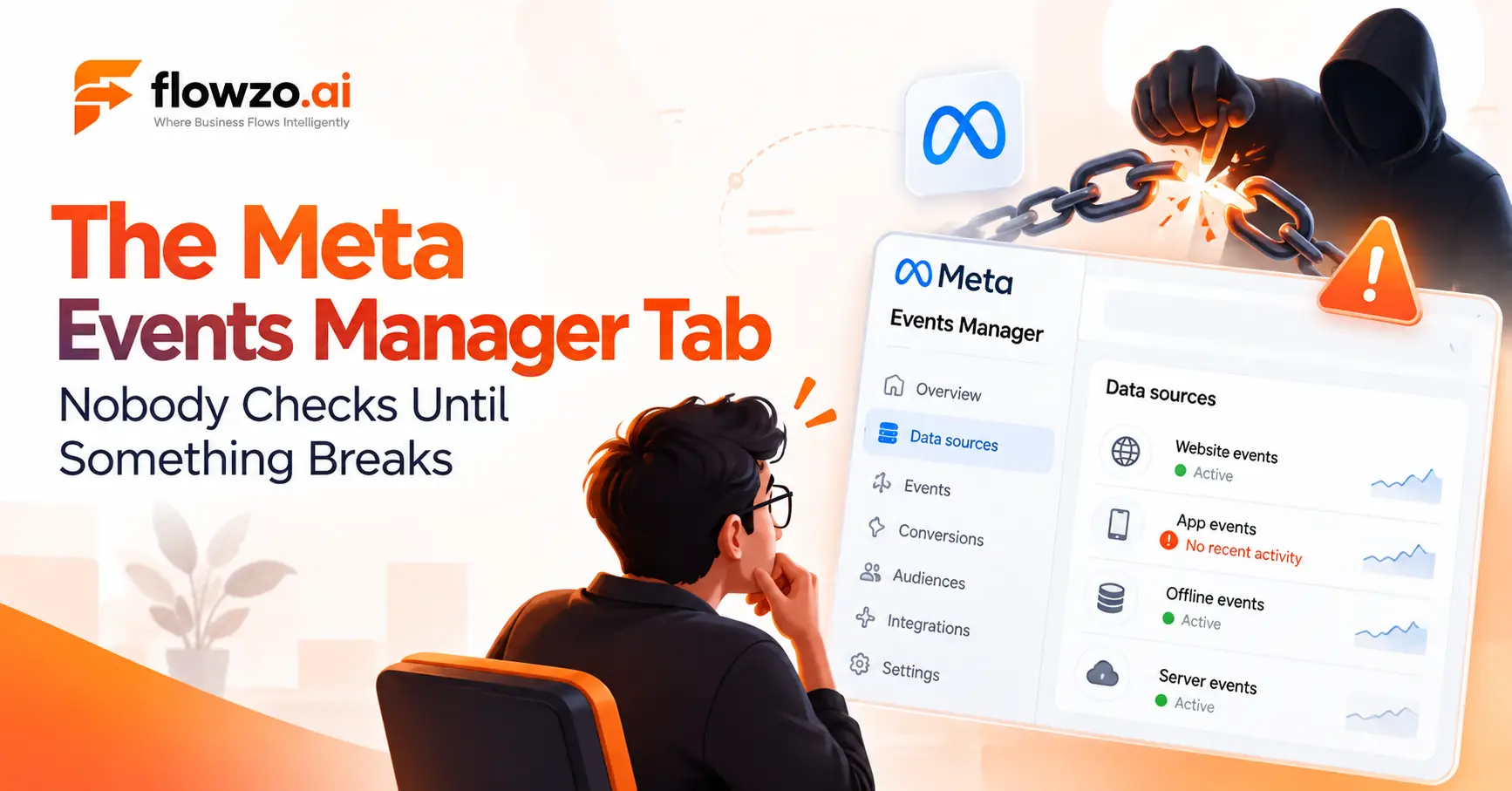
If you've set up Meta Pixel or Conversions API, you've already been inside Meta Events Manager — even if you didn't spend much time there beyond the initial setup screen. That's a missed opportunity. Events Manager isn't just where you connect a data source once and forget about it. It's where you diagnose why a campaign is underperforming, see exactly which events Meta can and can't match to real people, and catch a broken integration before it quietly costs you weeks of bad optimization data.
This guide walks through every tab in Events Manager, what each one actually does, and where the tool tends to get misunderstood.
If you haven't yet, it's worth reading our guides on what Meta Conversions API is and how to set it up first this guide assumes you already have at least one data source connected.
What Events Manager Actually Does
Events Manager is the dashboard inside Meta's business tools where every data source you've connected — Pixel, Conversions API, app events, offline uploads — gets consolidated, monitored, and diagnosed. It's not a separate product from Pixel or CAPI; it's the interface both of them report into.
The practical reason to spend time here isn't curiosity — the event data flowing through your Meta setup feeds the measurement and optimization systems your advertising campaigns rely on. A misconfigured or partially broken data source doesn't usually throw a loud error. It just quietly degrades the signal those systems are optimizing against, and the only place that shows up before your results do is Events Manager.
The Four Top-Level Tabs
When you open Events Manager, the main sections you'll typically see include:
Overview — a simplified summary of your event data across connected sources, along with issues and recommendations Meta surfaces automatically.
Data Sources — where each individual Pixel, dataset, or CAPI connection lives. This is where most of the actual monitoring work happens, and it has its own set of sub-tabs (covered below).
Custom Conversions — where you define conversion events based on rules layered on top of your existing standard events, rather than a new event type entirely.
Partner Integrations — connections to platforms (Shopify, WooCommerce, and similar) that can send event data to Meta without manual code implementation.
Most of the day-to-day work — checking whether something's actually working, reading error messages, verifying a new setup — happens inside Data Sources.
Inside a Data Source: The Five Sub-Tabs
Click into a specific dataset from Data Sources, and the available sections commonly include:
Overview — event volume, activity over time, and a high-level read on data health for that specific source.
Test Events — where you send and verify a live test event before trusting a new or changed integration. This is the tab that answers the question "is this actually connected, or does it just look connected?" — a distinction covered in more detail in our CAPI setup guide.
Diagnostics — surfaces specific issues with your setup (missing parameters, domain verification problems, matching issues) along with a description of each and steps to resolve it.
History — a record of changes made to the data source over time, useful when something that worked last month stops working and you need to know what changed.
Settings — where you manage the dataset's ID, ownership, sharing permissions, cookie settings, advanced matching, and the Conversions API connection itself.
Understanding Event Match Quality
Meta provides Event Match Quality information for eligible event data — an estimate of how effectively the information sent alongside an event (hashed email, phone, and similar identifiers) can help Meta match it to a real person. Higher match quality generally means Meta can attribute and optimize against that event more reliably; lower scores mean more of your conversions are less useful to Meta's optimization systems even though they technically arrived.
This is one of the more commonly ignored numbers in Events Manager, mostly because a "Connected" status doesn't surface it — you have to actually go looking. If you're troubleshooting why performance doesn't match your actual conversion volume, match quality is one of the first places to check, alongside Diagnostics.
Diagnostics: Reading the Warnings
The Diagnostics tab is where Meta tells you, in plain language, what's wrong with a data source and what to do about it. Each issue includes a description and a resolution path — it's not just a red flag with no explanation.
Common categories of issue you'll find here include missing or malformed event parameters, domain verification problems, and pixel or CAPI events that aren't firing when expected. Diagnostics is worth checking on a recurring basis, not just once after initial setup — a working integration can develop new issues after a website update, a CRM change, or a Meta-side policy update, and Diagnostics is usually where that shows up first.
Aggregated Event Measurement
Aggregated Event Measurement (AEM) is Meta's framework for measuring conversions under modern privacy restrictions, notably Apple's iOS tracking limitations. Historically, this meant domains were limited to a small number of prioritized conversion events (eight, under the original framework) for aggregated measurement purposes, ranked by business priority.
Whether that exact limit and manual ranking process still applies to your account is worth checking directly rather than assuming — Meta has been actively evolving how AEM works, and current sources disagree on how much of the manual configuration still applies to web accounts versus iOS app campaigns specifically. Rather than treating a specific number as a fixed rule for 2026, check your own account's current Events Manager configuration and Meta's latest documentation.
What hasn't changed conceptually: however many prioritized events your account currently supports, treating that prioritization as a "set once and forget" task is a common mistake. If your funnel or business priorities shift, an outdated event ranking can quietly misdirect what Meta's algorithm optimizes toward.
Custom Conversions
Not every business needs custom conversions, but they matter for anyone whose conversion definition doesn't map cleanly onto Meta's standard events. A custom conversion is built as a rule layered on top of existing event data — for example, a "Purchase" event filtered to a specific URL, or a value threshold applied to an existing event — rather than a new tracking implementation.
They're created from the Custom Conversions tab, and once set up, behave like any other event for reporting and optimization purposes — including, where applicable, counting toward whatever Aggregated Event Measurement limits currently apply to your account.
Common Ways Events Manager Gets Misread
A few patterns show up repeatedly when businesses first start paying real attention to Events Manager:
Treating "Connected" as "working." A data source can show as connected while still having event-level problems that only Diagnostics or Test Events will reveal.
Never checking Match Quality. It's not on the front page of Overview by default — you have to look for it, and most people don't until something's already gone wrong.
Setting up Aggregated Event Measurement once and never revisiting the event priority ranking. As a business's funnel or priorities shift, an outdated event ranking can become stale — and whatever configuration currently applies to your account is worth confirming rather than assuming.
Ignoring Diagnostics until a campaign underperforms. By the time poor performance is obvious in Ads Manager, the underlying data issue may have been visible in Diagnostics for weeks.
Best Practices
- Check Diagnostics on a recurring basis, not just after initial setup.
- Treat Match Quality as a real metric to monitor, not a buried detail.
- Revisit your Aggregated Event Measurement configuration when your funnel or business priorities change, and confirm what configuration currently applies to your account — Meta's AEM rules have shifted over time.
- Use Test Events before trusting any new or modified data source, every time — not just on the very first setup.
- Keep the History tab in mind when troubleshooting a regression; it's often faster than guessing what changed.
Conclusion
Events Manager isn't a setup-once dashboard — it's an ongoing place to monitor the data sources connected to your Meta advertising setup. Regularly reviewing Data Sources, Test Events, Diagnostics, and the Event Match Quality information available for eligible event data can help identify data-quality or configuration issues before they become harder to diagnose from campaign performance alone.
Frequently Asked Questions
What's the difference between Events Manager and Ads Manager?
Events Manager is where you connect, monitor, and diagnose the data sources feeding conversion events to Meta. Ads Manager is where you build campaigns and see reporting — it consumes the data Events Manager collects and diagnoses.
Do I need to check Events Manager if my campaigns seem to be performing fine?
It's still worth checking periodically. A data quality issue doesn't always show up as an obvious performance drop right away — sometimes it shows up as underperformance you can't otherwise explain.
What counts against the Aggregated Event Measurement limit?
This has changed over time and current sources don't agree on exactly what applies to every account type in 2026. Rather than relying on a fixed rule, check your own account's current Events Manager configuration and Meta's latest documentation before assuming a specific number or set of rules applies to you.
Is Diagnostics the same as Test Events?
No. Test Events is for deliberately sending and verifying a specific event before trusting a setup. Diagnostics is Meta's automated, ongoing surfacing of issues across your existing event flow.
Do I need both Pixel and CAPI connected to use Events Manager effectively?
No. Events Manager works with whichever data sources you've connected. Many businesses do run both together for more complete, resilient coverage, but it's not a requirement to use the tool.