
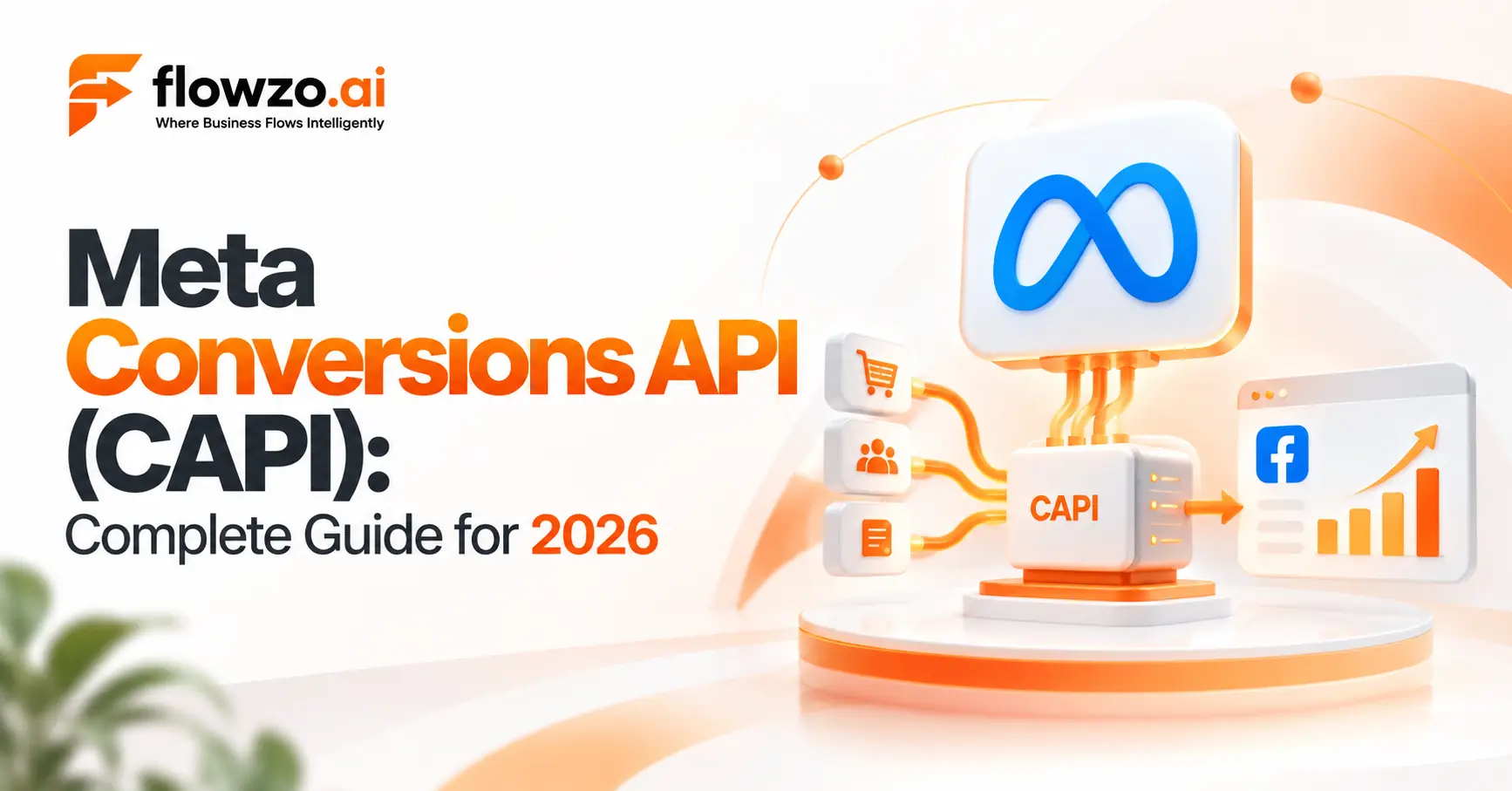
Hero should strongly feature Calsoft and Flowzo.ai, with Flowzo CRM as the central product story and Meta as the connected advertising platform.
Most businesses running Meta ads can answer one question with confidence: which ad generated this lead?
Far fewer can answer the question that actually matters to revenue: which ad generated a customer?
That gap exists because of where the tracking stops. A browser pixel can see someone click an ad and fill out a form. It cannot see what happens next — a salesperson calling that lead, qualifying it, booking a demo, sending a proposal, and eventually closing the deal. All of that happens inside a CRM, days or weeks after the ad click, completely outside the browser session that started it.
Meta Conversions API (CAPI) — also called Meta CAPI, Facebook Conversions API, or simply Conversion API — exists to close that gap. It's a server-side method for sending conversion events directly to Meta, instead of relying only on what a browser can see.
This guide covers what Meta CAPI is, how it works, how it's different from the Meta Pixel, and how a CRM fits into the picture.
What Is Meta Conversions API?
Meta Conversions API is a server-to-server tracking method. Instead of a browser sending an event when someone takes an action on a website, a business's own server — or a connected system like a CRM — sends that event directly to Meta.
This matters most for businesses where the meaningful conversion doesn't happen at the moment of form submission. A typical journey looks like this:

Browser-based tracking is primarily designed to capture activity that happens in the browser. CRM and other server-side systems can hold the information about what happens later in the sales journey. CAPI is what lets that later-stage information — the part that actually determines whether the ad spend was worth it — get reported back to Meta.
How Does Meta CAPI Work?
At a high level, a CAPI implementation follows this flow:
- A person interacts with a Meta ad on Facebook or Instagram.
- They enter the sales process — submitting a form, messaging on WhatsApp, or getting captured as a lead some other way.
- The lead lands in a business system — typically a CRM.
- The lead moves through pipeline stages — contacted, qualified, demo booked, proposal sent, won.
- Relevant stage changes are sent server-side to Meta through Conversions API.
- Meta receives these signals for measurement and, depending on campaign configuration, optimization.
This creates a feedback loop between what marketing spent money on and what sales actually turned into revenue — something a pixel alone can't provide.

An Illustrative Example
To see why this matters, picture a B2B company running a Meta lead-gen campaign that generates 500 leads in a month.
Of those 500 leads: some get contacted by sales, a smaller number get qualified as real opportunities, fewer still make it to a demo, and only a handful become paying customers.
If Meta only ever sees "500 leads submitted," its optimization has less information about which leads ultimately became customers. It will keep finding more people like the ones who filled out the form — not more people like the ones who actually bought.
That's the core problem CAPI is built to sove: giving Meta better signals, not just more of them.
Meta CAPI vs. Meta Pixel
A common misconception is that CAPI replaces the Pixel. In most real implementations, it doesn't — the two work together.

When both are used for the same conversion — say, a purchase tracked by the website pixel and sent server-side — Meta needs a way to recognize they're the same event rather than counting it twice. This is done through a shared event ID, a process known as deduplication. Any CAPI setup that also runs a pixel needs this handled correctly, or conversion numbers will be inflated.
What Is Event Match Quality?
Event Match Quality (EMQ) is Meta's measure of how well the customer information sent in an event can be matched to a real Meta account. The more accurate and complete the identifiers passed — typically hashed email addresses, phone numbers, and similar data — the better that matching can be.
Meta scores EMQ on a scale of 1 to 10 inside Events Manager, and its own developer documentation recommends targeting a score of 6.0 or higher for reliable attribution.
A higher match score can make conversion data more useful for measurement. It is not, on its own, a guarantee of lower costs or better campaign performance — those still depend on the full mix of audience, creative, offer, and sales process.
A Verified Result: What This Looks Like in Practice
Meta itself has published case studies showing what server-side data can do when implemented well. In one example, media agency Mindshare/GroupM Nexus implemented Conversions API for Dutch gaming company Nederlandse Loterij and reported a 33% higher conversion rate on Meta technologies.
Worth being precise about what this number means: it's the result for one advertiser, in one implementation, reported by Meta's own agency-stories series — not an industry-wide average or a guarantee. It's useful as proof that the mechanism works, not as a benchmark to promise a client.
What Can Businesses Send Through CAPI?
The goal isn't to send every event you have — it's to send the ones that actually reflect a meaningful outcome for your business.
Lead generation businesses commonly distinguish between:
- New lead
- Qualified lead
- Appointment booked
- Opportunity created
- Deal won
B2B businesses with longer cycles often map:
Lead → Qualified → Demo → Proposal → Won
Ecommerce businesses typically focus on purchases, order completion, and subscription events.
Sending every internal CRM status update as a "conversion" isn't useful — it just adds noise. The events worth sending are the ones that tell Meta something real about business value.
Where a CRM Fits In
A CRM typically holds information a browser pixel never sees: what actually happened to a lead after it arrived. That's what makes CRM-to-CAPI connections valuable for sales-led businesses — the sales pipeline itself becomes a source of the events reported back to Meta.
Flowzo CRM offers a Meta Conversions API integration built around this idea: leads captured from Facebook/Instagram ad sources, WhatsApp, and web forms flow directly into the CRM, and businesses can map their own pipeline stages to Meta conversion events through a configuration dashboard — rather than every CRM stage being sent automatically.
At a capability level, this kind of integration typically includes:
- Server-to-server event delivery triggered by CRM pipeline stage changes
- A dashboard for mapping pipeline stages to Meta standard or custom events
- Hashing of customer identifiers (email, phone, name) before transmission
- Browser Pixel / server CAPI deduplication using shared event IDs
- Delivery status tracking and failure diagnostics
A representative, simplified stage-to-event mapping looks like this:
Which Industries Benefit Most from Meta CAPI?
CAPI matters most wherever the real conversion happens somewhere a browser can't see it — after a form fill, off-site, or well after the ad click. That shows up differently by industry:
B2B & SaaS
The gap between "form submitted" and "deal closed" can run weeks or months. CAPI lets these businesses optimize around stages like Qualified Lead or Proposal Sent instead of just the initial landing page visit — the stage a pixel alone can see.
Real Estate
A lead rarely converts on the website. CAPI can feed back events like a scheduled site visit or a completed booking deposit, so campaigns get credit for buyers who actually showed up and paid — not just people who clicked to see floor plans.
Education
Enrollment doesn't happen on a landing page. It happens when an admissions team logs a completed enrollment or a fee payment days or weeks after the original inquiry — the kind of downstream event only a CRM can report.
Healthcare
Patient acquisition campaigns benefit from mapping confirmed bookings and completed procedures back to Meta, rather than optimizing purely around inquiry form submissions.
Ecommerce
Not every purchase happens cleanly in-browser. CAPI helps reconcile standard purchase-pixel events with offline confirmations — cash-on-delivery orders, phone-order updates — so the two sources of truth don't conflict or double-count.
Marketing Agencies
Agencies managing Meta budgets for clients can use CRM-linked CAPI data to report actual downstream outcomes — qualified leads, revenue, closed deals — instead of raw lead volume, which is a much harder number to defend to a client.
Common Meta CAPI Mistakes
Treating CAPI as an automatic performance switch. Installing it doesn't automatically improve campaigns — the underlying data quality and sales process still matter.
Removing the Pixel immediately. Pixel and CAPI are usually complementary, not either/or. Evaluate your full measurement setup before removing anything.
Sending every CRM status as a conversion. Not every internal update is a meaningful advertising signal. Pick the stages that matter.
Skipping deduplication. If the same conversion is tracked by both Pixel and CAPI, missing event-ID deduplication will inflate your numbers.
Skipping testing. A technically connected integration can still send incorrect event names or malformed parameters. Test before treating any data as reliable.
Ignoring privacy requirements. Server-side tracking doesn't remove consent or data-handling obligations. Businesses remain responsible for complying with applicable privacy laws and Meta's own policies — this responsibility doesn't shift just because the mechanism changed from browser to server.
Conclusion
The real shift CAPI enables isn't technical — it's the question a business can ask about its own advertising. Instead of "how many leads did this campaign generate," a CRM-connected CAPI setup makes it possible to ask "which advertising activity generated the customers we actually wanted."
For a business with a multi-stage sales pipeline, that's a meaningfully different — and more useful — question to be able to answer.
Call to Action
See how Flowzo CRM's Meta Conversions API integration maps your pipeline stages to Meta events — Book a Demo or Explore Flowzo CRM Features.
Frequently Asked Questions
What is Meta Conversions API?
Meta Conversions API is a server-side mechanism for sending conversion events directly to Meta, typically used alongside browser-based Pixel tracking to provide additional signals from server or CRM systems.
Is Meta CAPI the same as Facebook Conversions API?
Yes. Meta Conversions API is the current name for what was previously called the Facebook Conversions API. Both terms refer to the same underlying technology.
Does Meta CAPI replace the Meta Pixel?
No. They're typically used together, with the Pixel capturing on-site browser activity and CAPI providing server-side signals, deduplicated by a shared event ID.
Does Meta CAPI bypass privacy rules?
No. Server-side tracking does not remove consent requirements or privacy obligations — businesses are still responsible for complying with applicable laws and Meta's policies.
No. It provides additional conversion signals, but results still depend on campaign strategy, audience, creative, offer, sales process, and overall data quality.
Can Flowzo CRM connect to Meta CAPI?
Yes. Flowzo CRM offers a Meta Conversions API integration that lets businesses map their CRM pipeline stages to Meta conversion events, with server-side delivery and Pixel/CAPI deduplication.