
.webp)


CRM With Email Sequence: Automate Sales Follow-Up
Learn how CRM email sequencing keeps sales follow-up consistent, helps teams respond at the right moment, and measures progress beyond email opens
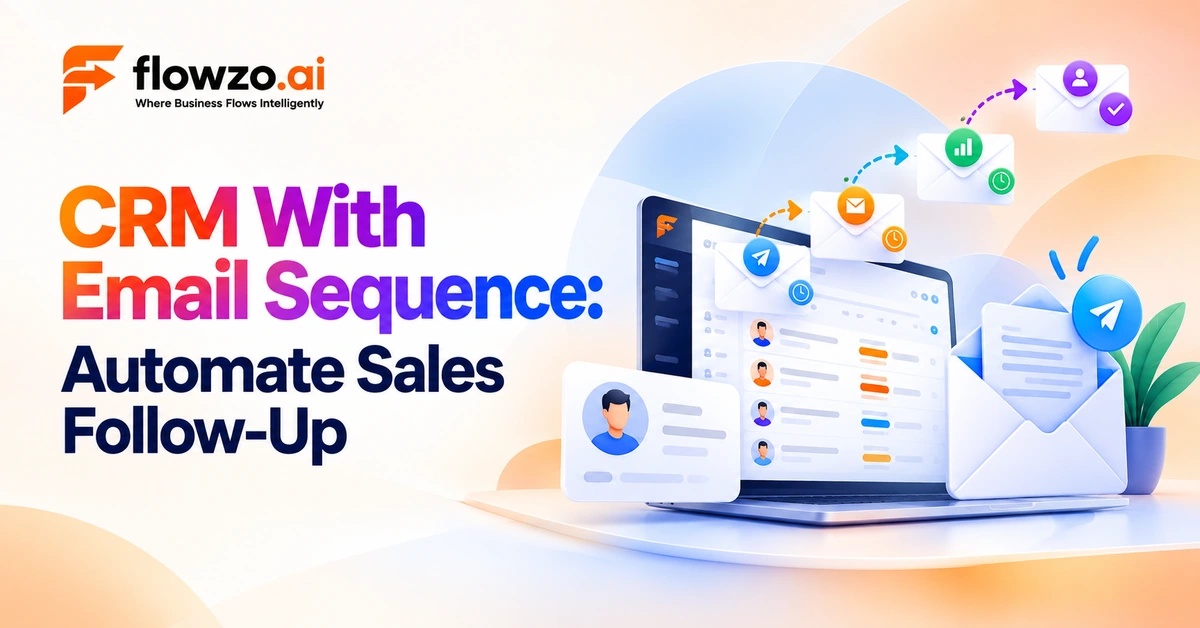
Email sequencing in a CRM is a planned series of emails sent to a lead or prospect according to defined steps and timing. It helps sales teams follow up consistently without relying entirely on individual reminders. A well-designed sequence also defines when automated messages should stop and a salesperson should take over.
The goal is not to automate every interaction. It is to make sure the right follow-up happens, the team can see what has happened, and a human responds when the conversation requires judgment.
Why sales follow-up breaks down
Sales follow-up breaks down when the next action depends on a salesperson remembering every promise, reminder, and unanswered message.
A rep promises to send a proposal next week, another lead needs a demonstration follow-up, and a third prospect asks to reconnect after an internal discussion. As the workload grows, planned actions can be delayed, forgotten, or duplicated by another team member.
Illustrative example, not a real customer result: A salesperson finishes a product demonstration and promises to send a summary the next morning. The email goes out, but no one records when to check back. A week passes, the prospect has not responded, and the opportunity remains unchanged in the CRM. A defined sequence could schedule the next appropriate follow-up and make the planned action visible to the team.
A CRM records contact and opportunity activity. Email sequencing adds structure to what happens next.
What email sequencing in a CRM does
A sequence is more than a collection of templates sent in order. It has five essential components:- Trigger: The event that starts the sequence, such as a new inquiry or a proposal awaiting a response.
- Purposeful messages: Each email has one clear job, such as sharing requested information or confirming a next step.
- Timing: Delays between messages reflect the sales situation and the prospect's expectations.
- Stop conditions and handover: Define when automated follow-up should end and when a salesperson should take over. The detailed rules appear in the sequence-building section below.
- Shared record: Email activity and relevant replies are recorded where the team can review them.
Together, these components make follow-up easier to coordinate and review.
Trigger: The event that starts the sequence, such as a new inquiry or a proposal awaiting a response.
Purposeful messages: Each email has one clear job, such as sharing requested information or confirming a next step.
Timing: Delays between messages reflect the sales situation and the prospect's expectations.
Stop conditions and handover: Define when automated follow-up should end and when a salesperson should take over. The detailed rules appear in the sequence-building section below.
Shared record: Email activity and relevant replies are recorded where the team can review them.
A worked example of a sequence
Illustrative example, not a real customer result. A team sets up a sequence for new inquiries from its website form:
- Day 0, trigger: A prospect submits an inquiry. The sequence starts, and the record is assigned to a named salesperson.
- Day 0, email 1: A short message thanks the prospect and asks one question about their current follow-up process.
- Day 2, email 2: If there is no reply, a second message shares one relevant resource and asks whether a 15-minute call would help.
- Day 5, email 3: If there is still no reply, a final message confirms that the team is available and asks whether the topic is still relevant.
- Reply at any step: The automated emails stop, and the salesperson takes over the conversation with the full history.
- Unsubscribe at any step: The contact receives no further emails from the sequence.
- Final step without reply: The record moves to a review queue. The salesperson decides whether to call, pause or close the lead, rather than sending further automated messages.
The timings and number of steps are a starting point. They should change with the product, the market and the evidence from the team's own results.
Email sequence vs. drip campaign vs. individual follow-up
Individual follow-up is written for one prospect at a particular moment. It is useful when a conversation requires a specific answer, negotiation, or personal response.
A drip campaign typically sends a planned series of messages to an audience over time, often for marketing education or nurturing.
A sales email sequence organizes follow-up around a sales situation, contact, or buying stage. It creates consistency while allowing a salesperson to handle conversations that need individual attention.
The right approach depends on the purpose of the communication. Teams may use all three for different situations.
When should sales teams automate follow-up?
Email sequence automation is useful when a team has recurring follow-up tasks that can be handled consistently without requiring a new decision at every step.
Examples include:
- Following up on a new inquiry with relevant information.
- Sending agreed materials after a demonstration.
- Checking whether a prospect has questions about a proposal.
- Reconnecting at an agreed time when a decision is delayed.
- Coordinating follow-up when several representatives work on related accounts.
Automation is less suitable when a conversation involves a sensitive issue, a negotiation, an unresolved objection, or a decision that depends on the prospect's circumstances.
A lack of response does not automatically justify unlimited follow-up. Automate predictable steps, not decisions that require an understanding of the person or situation.
How to build a sales email sequence
1. Define the trigger
Identify the event that makes follow-up necessary. A new inquiry, a completed demonstration, and an unanswered proposal are different situations and may require different sequences.
Document the trigger, the intended recipient, and the outcome the sequence should support.
2. Map the buying stage
A prospect exploring options needs different information from someone who has reviewed a proposal.
Early-stage follow-up might answer a common question or share a relevant resource. Later-stage follow-up might clarify requirements, address an objection, or confirm a decision timeline.
The sequence should reflect what the prospect needs next, not simply how many days have passed.
3. Give every email one purpose
Each message should provide useful information, ask a relevant question, confirm an agreed action, or establish a next step.
Avoid repeating the same request with slightly different wording. If another message would add no value, reconsider whether it should be sent.
4. Plan timing around the prospect
There is no universal interval that works for every product, market, and sales cycle. A follow-up after a demonstration may be appropriate sooner than a check-in about a decision expected several weeks later.
Start with a reasonable schedule and adjust it based on evidence. Sending more emails does not automatically produce better results.
5. Account for time zones and business days
International sales teams need to consider when recipients are likely to read and respond to messages.
- Use the recipient's local time where possible. Avoid assuming that the sender's working hours match the prospect's.
- Consider weekends and local holidays. A delay measured in calendar days can produce a different experience from one based on business days.
- Coordinate across regions. If a prospect is handed to a representative in another time zone, make the next action and ownership clear.
- Test rather than assume. Review response patterns by market and adjust timing where the available data supports it.
Consent, lawful contact, unsubscribe requirements, and other legal obligations vary by jurisdiction. Any market-specific compliance guidance must be reviewed by an appropriate legal or compliance reviewer before publication.
6. Set stop and handover rules
Before launching a sequence, define what happens when:
- The prospect replies and a salesperson needs to respond.
- The prospect books a meeting or completes the intended next step.
- The prospect unsubscribes. They receive no further sequence emails.
- The conversation requires individual attention.
- The final step passes without a response.
Where supported by the CRM, these events may trigger automatic stopping or a change in the next action. Verify the actual product behavior rather than assuming every platform handles these events automatically.
If the sequence ends without a response, review the lead and decide on an appropriate next step instead of continuing indefinitely.
7. Assign ownership
Every meaningful reply needs a responsible person. Define who receives the response, who handles the next conversation, and how the outcome is recorded.
When ownership changes, the incoming representative should be able to understand the previous interaction before contacting the prospect.
8. Check data quality before launch
Sequences rely on accurate contact and sales information. Missing email addresses, outdated contact details, duplicate records, unclear ownership, and inconsistent deal stages can lead to inappropriate messages or misleading reports.
Before launching, check that contact records are usable, ownership is clear, and stage definitions are consistent. Review the data periodically as records change.
This groundwork also improves measurement. If one representative marks a lead as qualified while another uses the same status differently, reports cannot reliably show how sequences are performing.
9. Review and improve
Treat each sequence as a process to refine. Review where prospects respond, where opportunities stop progressing, and where representatives frequently need to intervene.
Use those observations to improve the messages, timing, qualification rules, or handover process.
type1
Frequently Asked Questions
Verify the configured data collection, review the relevant diagnostics, check upload status, and compare expected conversion events with the appropriate reporting records. Follow Google's current checklist for the implementation method in use.
What should you do if conversions are not appearing?
Check the form and tag behaviour, data requirements, upload route, diagnostics, conversion action, and reporting timing. Identify the first step where the observed result differs from the expected result before making changes.
No. Successful configuration is only one part of validation. Review diagnostics and business records before concluding that the data is behaving as intended.
Ready to transform your sales?
Join 500+ teams using FlowZo CRM to close deals faster.